



Now Integrated, Tax Invoice and Withholding Receipt Checking
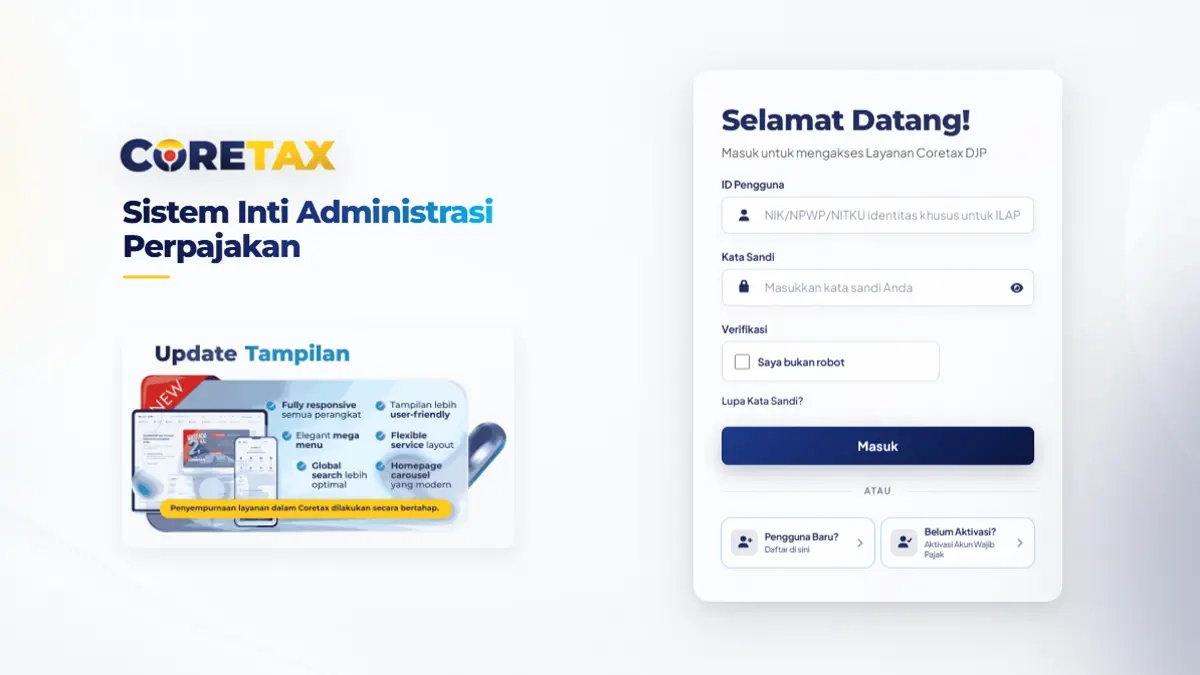
JAKARTA, DDTCNews - The Directorate General of Taxes (DGT) has announced that data on tax invoices and withholding receipts relating to transactions conducted by taxpayers are now integrated within the coretax system.
Accordingly, taxpayers can independently verify data consistency via coretax to ensure that tax invoices and withholding receipts correspond to actual transactions. Taxpayers can also identify instances where their identity has been used for transactions they never conducted.
"If you find data that does not match, do not panic. Contact the issuer of the tax invoice or withholding receipts and request cancellation," the DGT advised via its social media channels on Monday (3/8/2026).
The DGT explained that if a taxpayer discovers data on a tax invoice or withholding receipt that does not correspond to an actual transaction, they should contact the issuer of the document and request cancellation.
If the matter cannot be resolved because the issuer is unable or unwilling to cancel the document, the taxpayer may submit a report through the DGT's complaint channels.
"If the matter cannot be resolved, taxpayers may also submit a complaint through the DGT's complaint channels," the DGT explained.
There are several DGT complaint channels available to taxpayers. These include: the telephone number (021)1500200, the coretax portal, the email address [email protected] and the official website pengaduan.pajak.go.id.
In addition, taxpayers may submit a complaint manually by sending a written letter to the Director General of Taxes or the head of the relevant tax office. Complaints may also be submitted in person at the DGT's information and complaints service office (kantor layanan informasi dan pengaduan/KLIP in Indonesian) and at DGT vertical unit offices.
Further, the DGT advises tax invoice issuers and withholding receipt issuers to verify the accuracy of the national identification number (nomor induk kependudukan/NIK in Indonesian), name and address data before generating a tax invoice or withholding receipt. These three data items will appear in the tax invoice or withholding receipt creation menu alongside the actual counterparty data.
Specifically, taxpayers can verify input VAT tax invoice data by following these 5 steps. First, perform impersonation in coretax if acting on behalf of another taxpayer.
Second, click the e-faktur module. Third, click the input VAT menu. Fourth, scroll the cursor to the right, then select the taxable period and tax year menu. Fifth, click the reload button. Once the input invoice data appears, click the PDF button to view the tax invoice details.
"Read and examine the PDF file carefully. If you find data that does not correspond to the actual transaction, contact the tax invoice issuer and request cancellation," said the DGT.
Additionally, taxpayers can verify withholding receipt data by following these 7 steps. First, perform impersonation in coretax if acting on behalf of another taxpayer. Second, click the eBupot module. Third, click the My Withholding Receipts menu.
Fourth, click the dropdown list menu, then select the type of withholding receipt. Fifth, select the taxable period and tax year. Sixth, click the search button. Seventh, click the PDF button to view the withholding receipt details. If data is found that does not correspond to an actual transaction, the taxpayer must contact the withholding receipt issuer and request that the withholding receipt be cancelled. (rig)